Perler bead pattern maker: photo to pegboard chart

This Perler bead pattern maker turns a photo or drawing into a chart you can build bead by bead. Every peg gets a Perler colour code, large designs are split into pegboard-sized pages, and the bead list tells you how many of each colour to have ready. It is free, needs no account and runs in your browser.

Last updated:

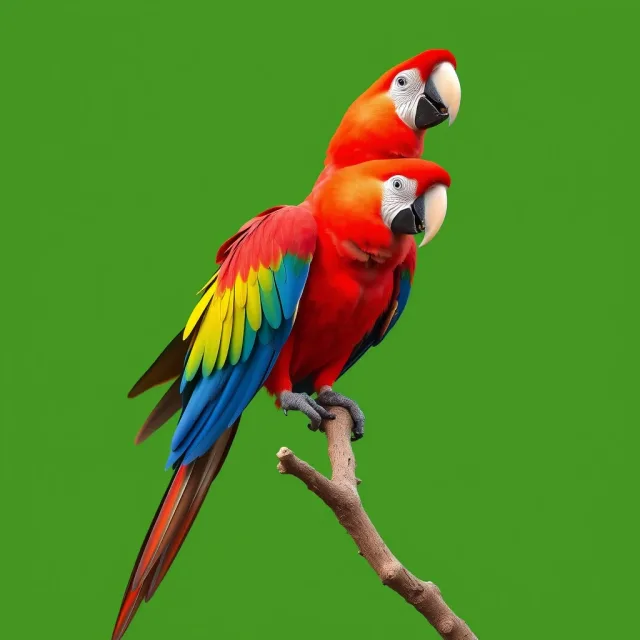
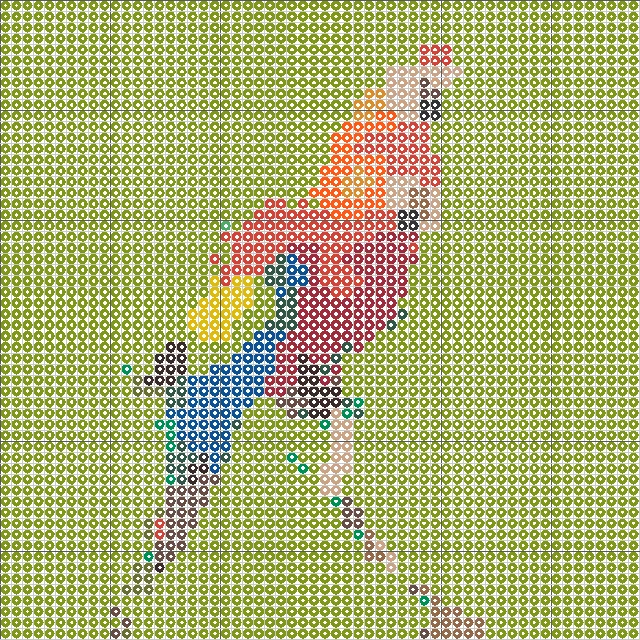
Scarlet macaw on a branchBeads pattern of Scarlet macaw on a branch
Scarlet macaw on a branchSample PDF
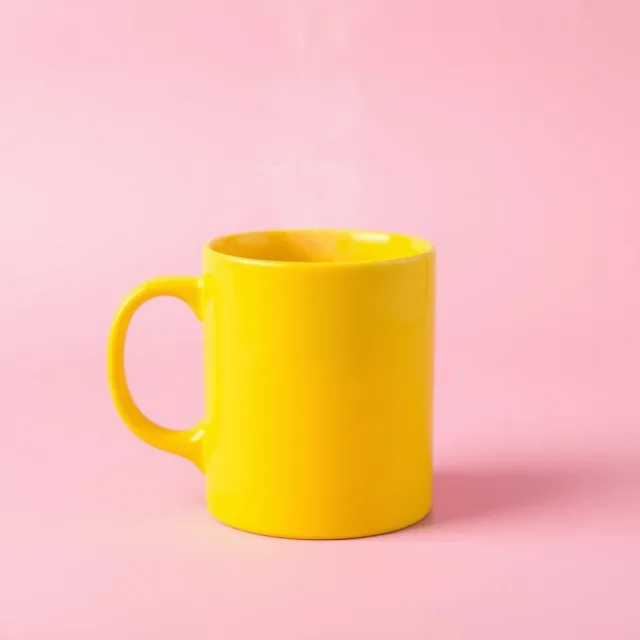
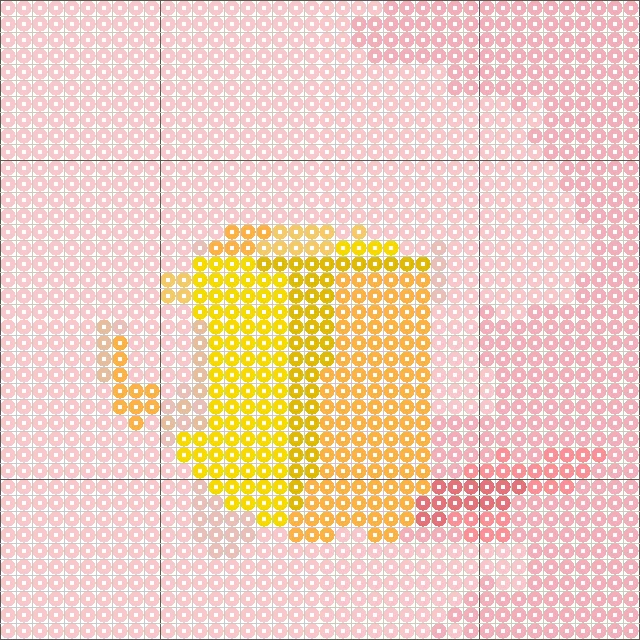
Yellow mug on a pink backgroundBeads pattern of Yellow mug on a pink background
Yellow mug on a pink backgroundSample PDF

Good for

  • Kids turning their own drawings into bead art
  • Keyrings, coasters and magnets from your own designs
  • Wall pieces that span several clipped-together pegboards
  • Classic 5 mm Perler beads and Perler Mini

How to use it

  1. 01

    Upload a photo or drawing

    JPG, PNG or WebP up to 20 MB. Bold shapes and flat colours work best; set the background to empty to leave those pegs bare.

  2. 02

    Pick Perler or Perler Mini and a size

    Set the design size (up to 300 × 300 beads) and the board size: 29 × 29 is the default for large square boards, or set your own. Limit the colours to the ones you own.

  3. 03

    Print the boards

    Download the PDF with an overview page and one page per board, each marked with its position, plus the bead list as CSV. Build one board at a time and iron.

Bead counts you can shop from

Next to each Perler colour, the list shows how many beads the design uses. The number to have ready adds 10% spare for beads that roll away or get placed twice. Lock the colours you already have, or exclude ones you are out of, and the chart is matched again using only the rest.

From one board to a wall piece

A design wider than one board is cut into board-sized sections. Each page prints its row and column position, so you can clip boards together or build them one at a time. A 58 × 58 bead design fills four large square boards; at about 5 mm a bead it is roughly 29 cm across.

Making a photo work in beads

Beads are large compared with stitches, so photos need simplifying: crop tightly, keep the colour count low and turn confetti reduction up to remove single odd beads. For a busy photo, the optional AI background cut-out (6 credits) or the clean-up step, which redraws the picture in flat colours (36 credits), can help before the chart is made.

What it costs

The pattern, editor and PDF are free. Credits pay only for the optional AI photo steps, and a failed job is refunded automatically. See plans and packs

Credits per photo for each AI step
AI stepWhat it doesCredits per photo
Remove backgroundCut the subject out of the photo6
Clean up for stitchingSimplify the photo for stitching36
Upscale a small photoFour times the pixels for a small photo8

Questions

Is the Perler bead pattern maker free?

Yes. The chart, the bead list, the per-board PDF pages and the CSV and PNG exports are free and need no account. Only the optional AI photo steps use credits.

Which Perler beads are supported?

Classic Perler beads and Perler Mini. Choose the line before you match colours, and the chart uses that line’s colour codes.

How does the tool split a pattern into pegboards?

It cuts the design into sections the size of your board, 29 × 29 pegs by default. Each section prints on its own page with its position, plus an overview of how the boards fit together.

Why are there extra beads in the list?

The list adds 10% spare to each colour, rounded up, because some beads always roll off the table or end up in the wrong peg.